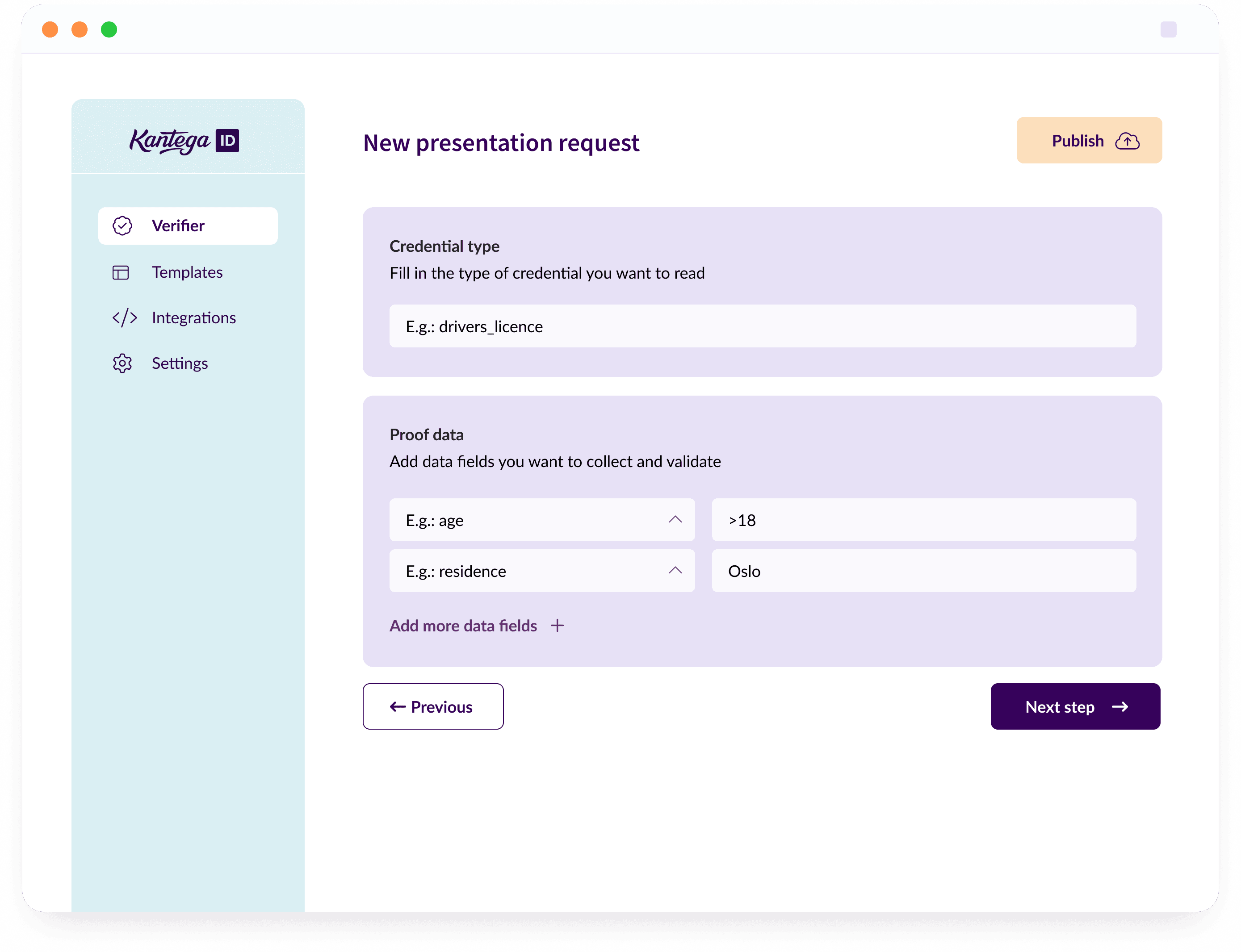
How does it work?
As soon as you have access, you will be able to configure and publish your first verifier.
1
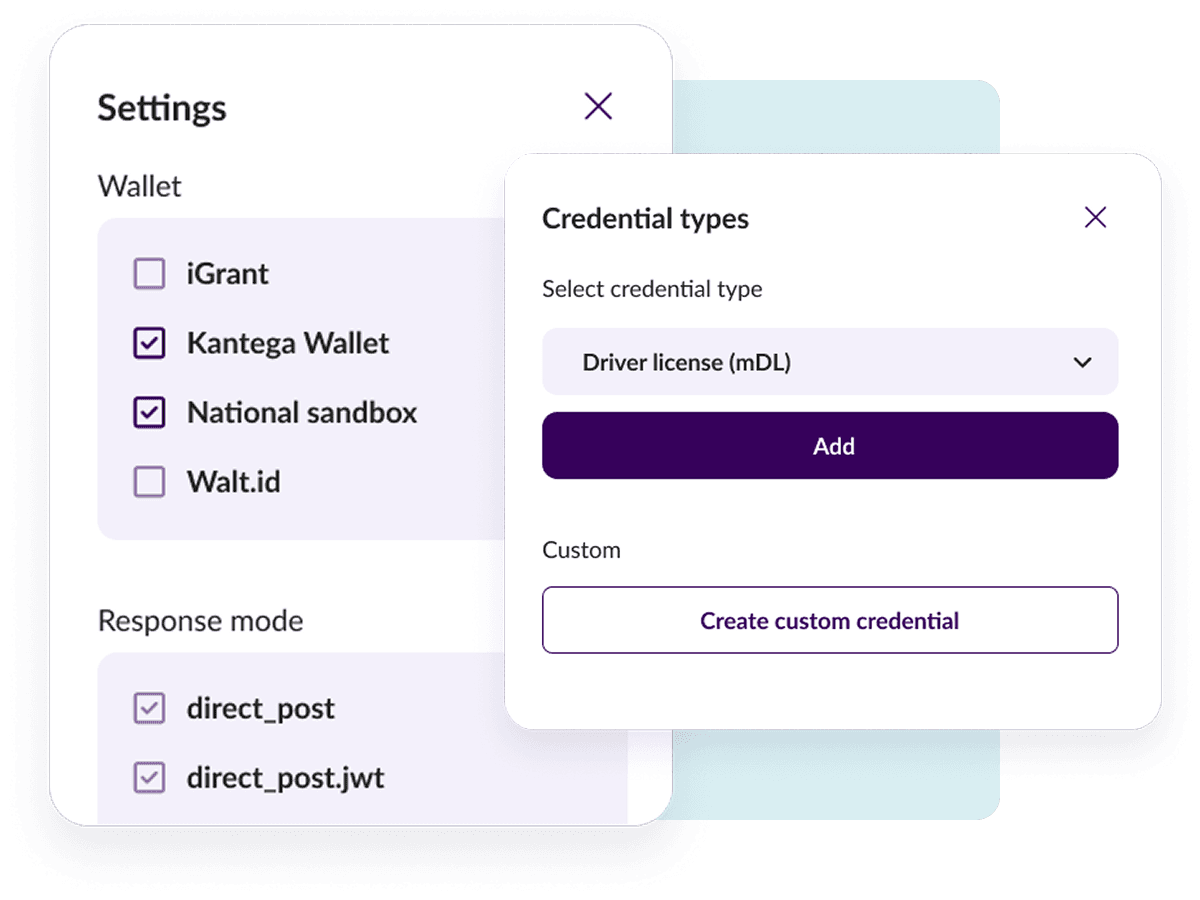
Set up your first verifier
You choose what type of credential you want to verify from predefined templates or custom credentials. Each verifier comes with preset settings, but you can also configure everything yourself from supported wallets, responses, security, and desired data fields.
2
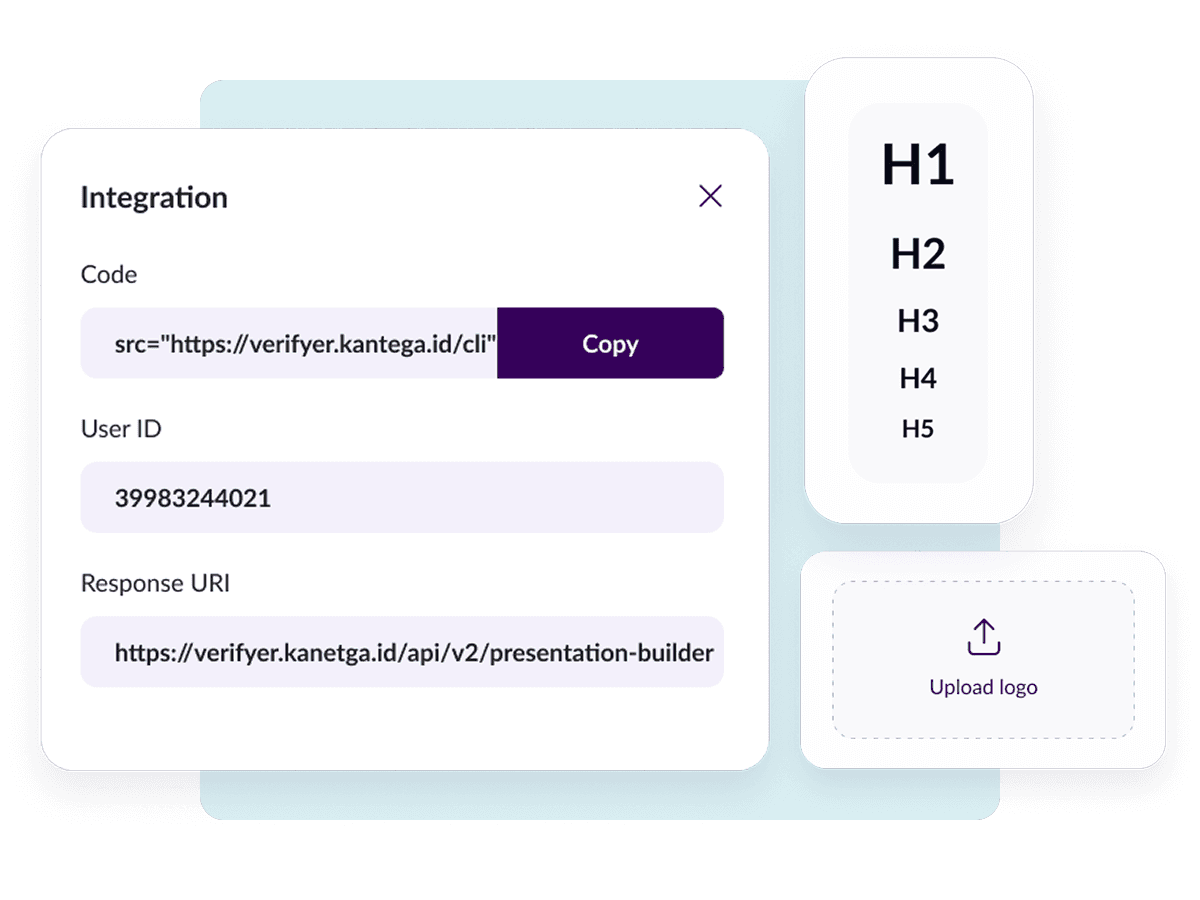
Make it part of your own processes
After setting up a verifier, you can choose to use it as a standalone solution with us or integrate it more closely with your own processes.
We support the national sandbox, so it's easy to integrate with experiments and demos in this.
We support the national sandbox, so it's easy to integrate with experiments and demos in this.
3
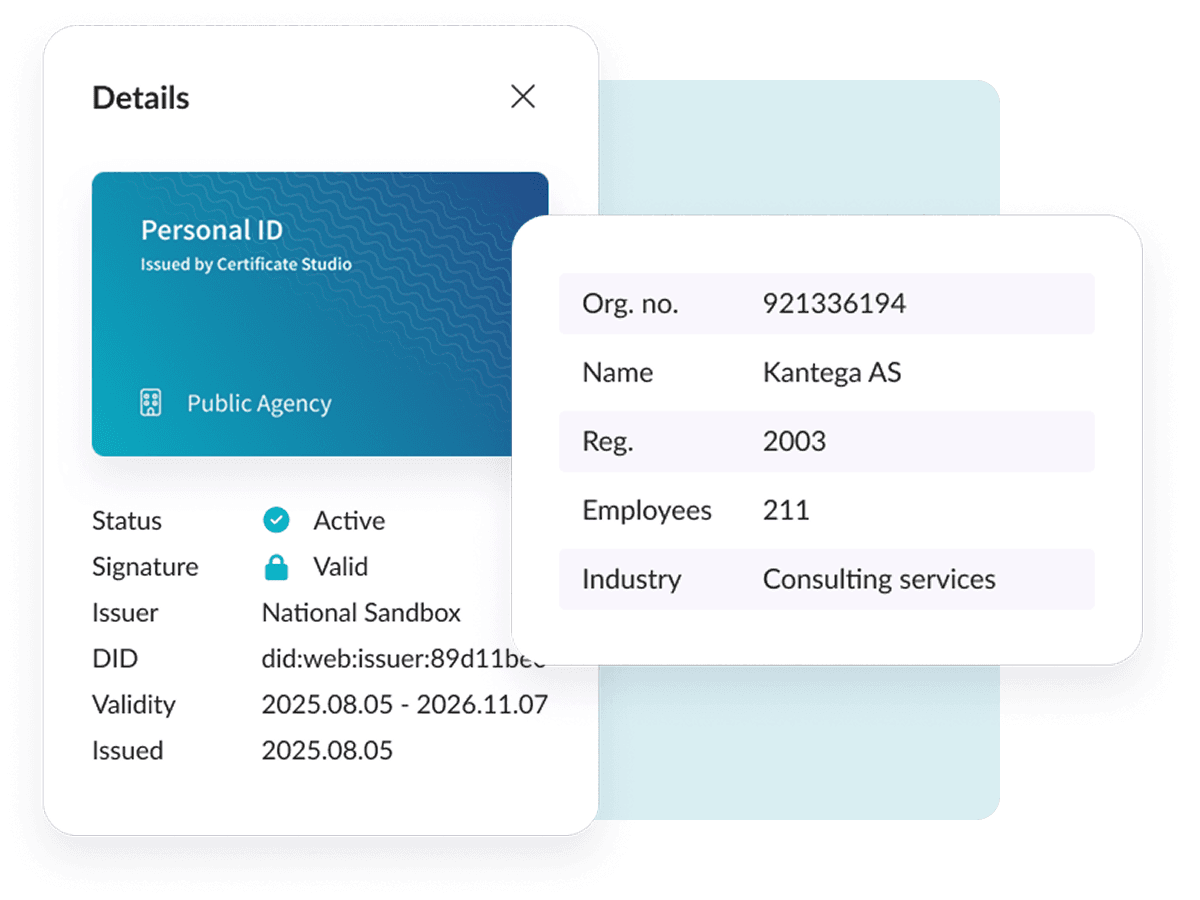
Reading and validation
When a credential is read, the verifier checks that the credential is signed with the correct certificate, its format type, and whether it is valid. You will be able to directly read the permitted content in the credential or use this further in your own processes via APIs.
It's important that a credential is trustworthy. We therefore validate the signature against trust anchors from the EU trust lists (ETSI TS 119 612) and lists of trusted entities (ETSI TS 119 602), as the EUDI Wallet framework requires.
It's important that a credential is trustworthy. We therefore validate the signature against trust anchors from the EU trust lists (ETSI TS 119 612) and lists of trusted entities (ETSI TS 119 602), as the EUDI Wallet framework requires.
Support and functionality
Verifier is still in an early stage, but we already have broad support for the most important protocols and functionality that makes it easy to use.
Framework
- EUDI Wallet ARF
- eIDAS 2.0 – Regulation (EU) 2024/1183
Protocols
- OpenID4VP
- HAIP (High Assurance Interoperability Profile)
Credential formats
- SD-JWT VC
- mdoc (ISO/IEC 18013-5)
Trust and security
- Trust anchors from the EU trust lists (ETSI TS 119 612)
- Trust anchors from lists of trusted entities, LoTE (ETSI TS 119 602)
- X.509 certificate chains (RFC 5280)
- Certificates from the national sandbox
Wallets
- Digdir’s demo wallet
Verification checks
- Signature validated against a trust anchor from a trust list or LoTE
- Revocation status
- Holder binding (key binding)
- Validity period