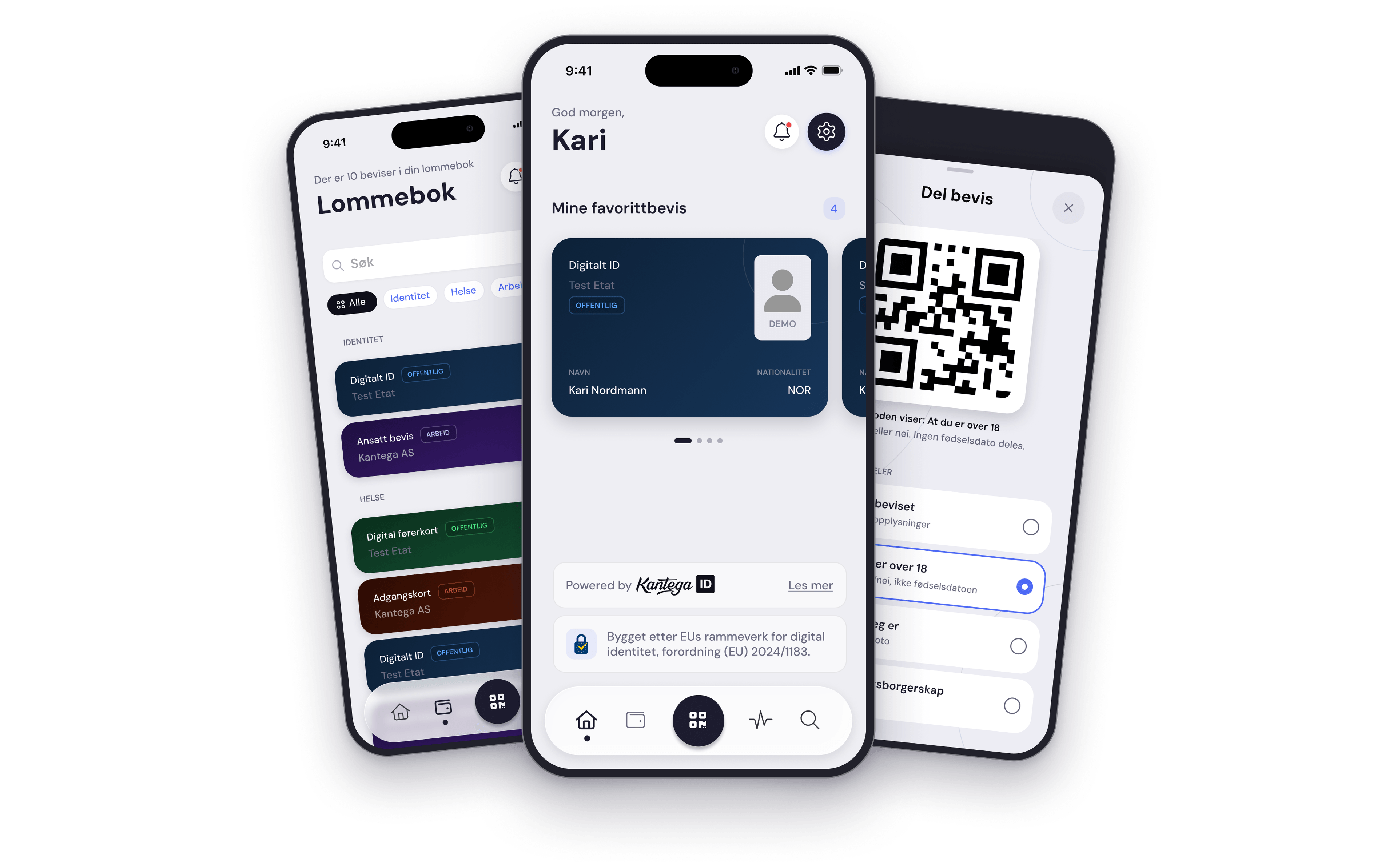
How does it work?
As soon as you have downloaded the app, you can add your first credential!
1
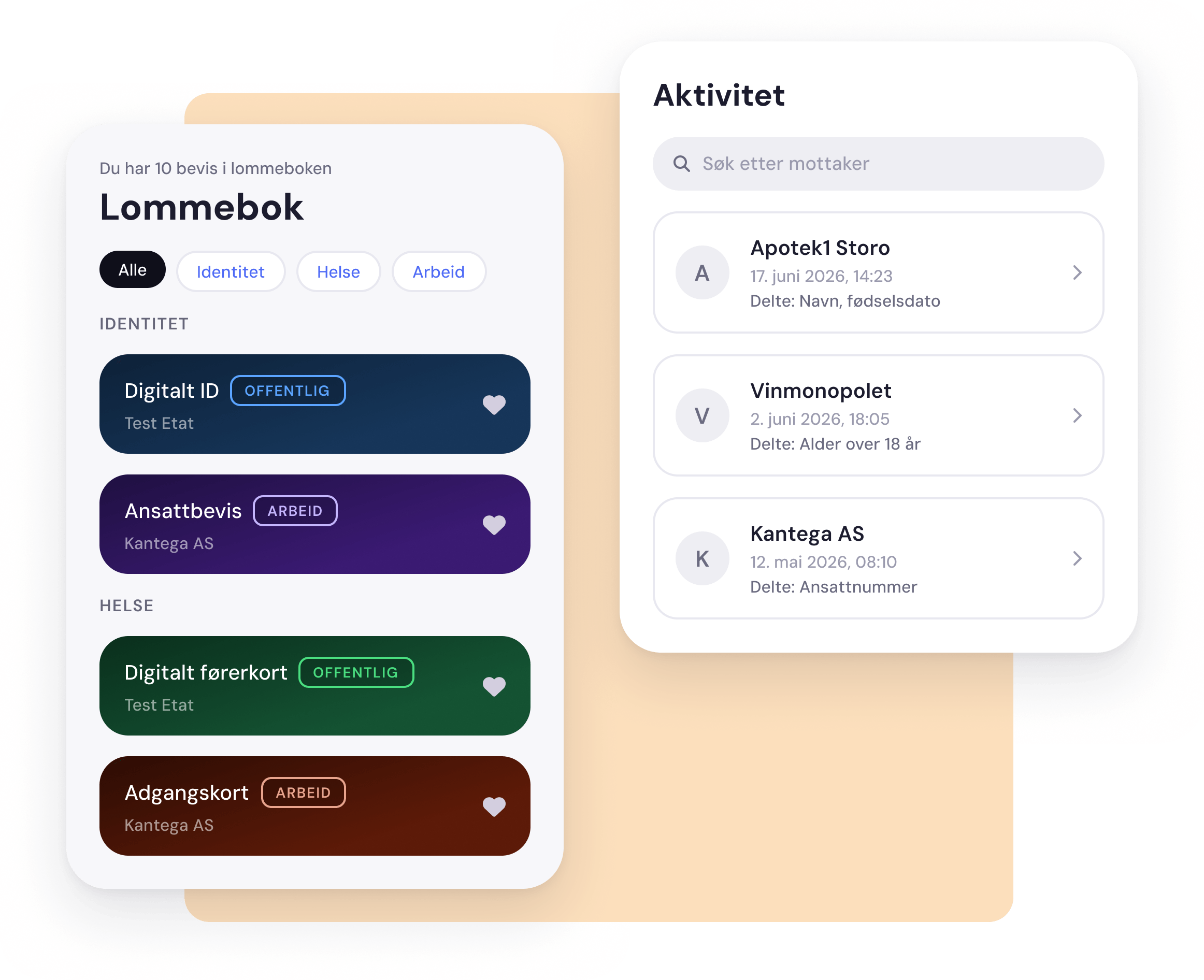
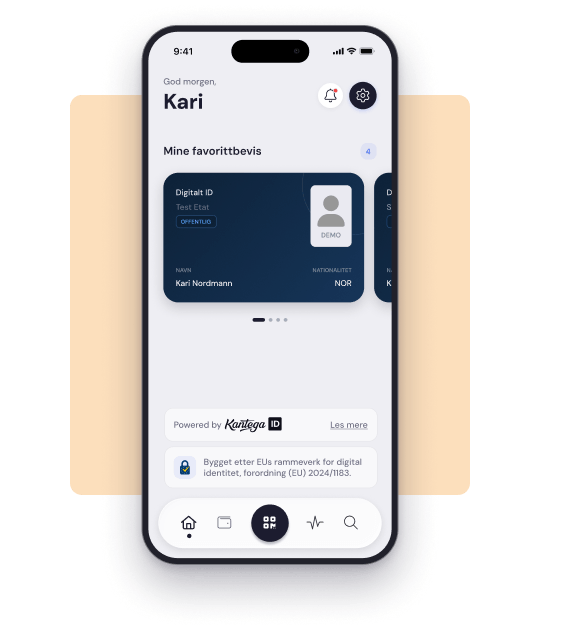
All credentials and data in one place
With a digital wallet, you no longer need physical copies of documents or lots of different apps where everything is scattered. Driving licences, employee IDs, diplomas and prescriptions can now be kept in one place, following a standard set by the EU (eIDAS 2.0), which among other things means they are cryptographically signed and cannot be forged.
2
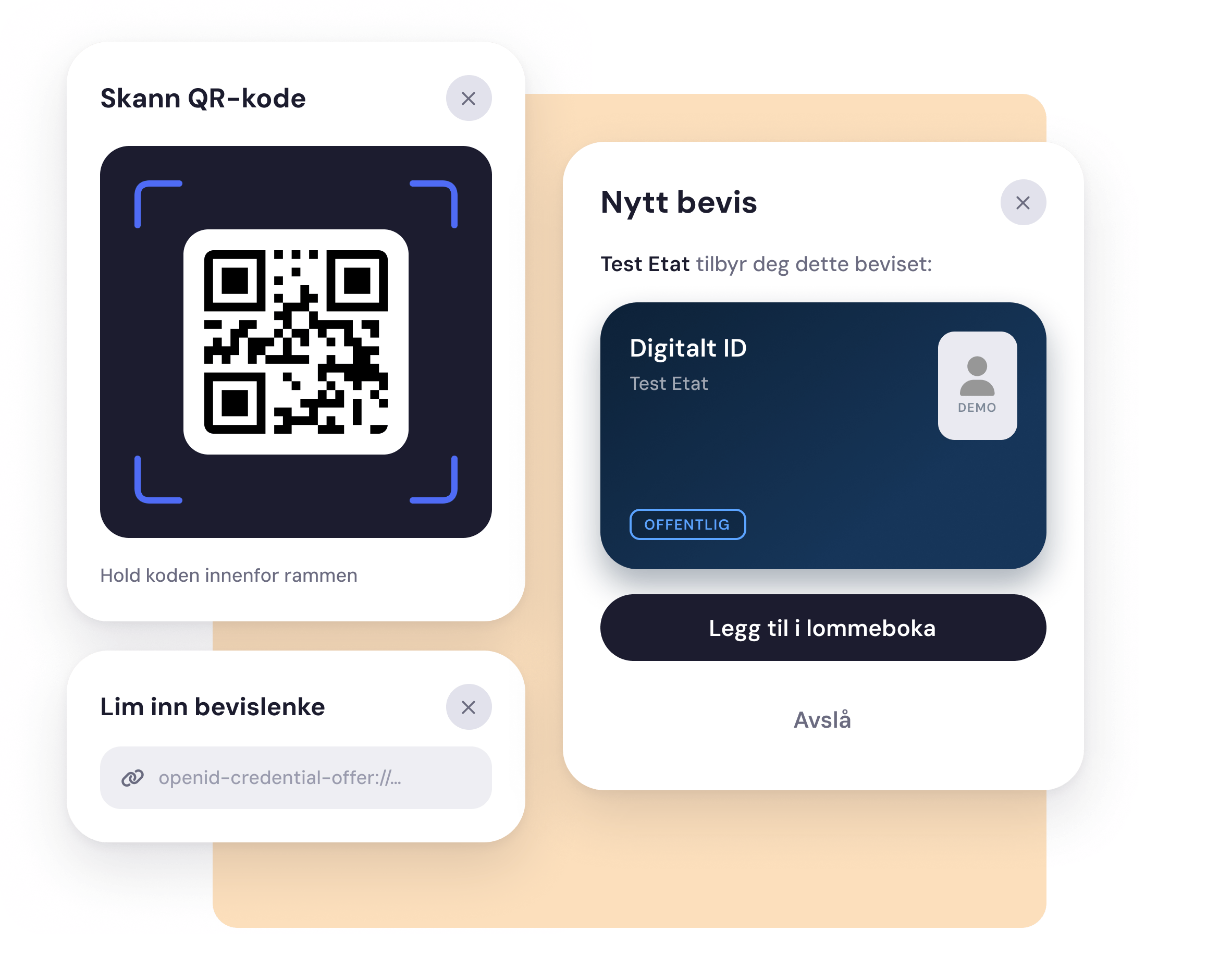
Add test credentials
You can easily issue digital test credentials to your own wallet from our test credentials page. This lets you try one of the ways credential issuance can work. You can also create your very own credentials in ID Studio and issue them to your own wallet or someone else's.
3
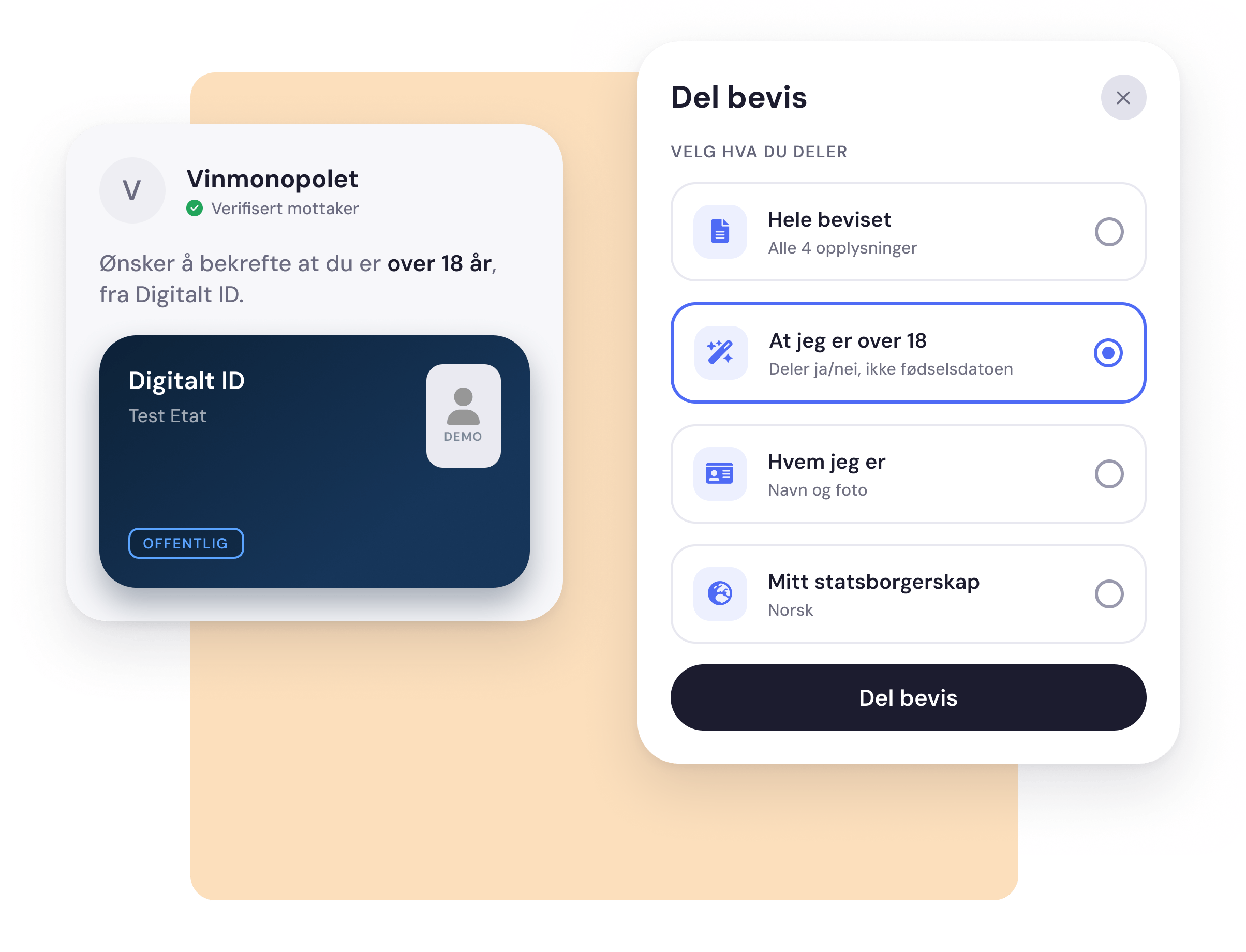
Share and use your credentials
When digital wallets become the standard in Europe, a service or organisation that needs documentation will send you a request to share your credentials and information with them. It is then up to you to confirm whether you want to share that information with them.
For now, you can create your own requests to test how this will work in practice. This means you create a query that can check whether the wallet holds a specific credential, and what information that credential contains. You can do this at the bottom of the test page, or create your own verification query in ID Studio.
For now, you can create your own requests to test how this will work in practice. This means you create a query that can check whether the wallet holds a specific credential, and what information that credential contains. You can do this at the bottom of the test page, or create your own verification query in ID Studio.
4
Download today
Try it out yourself, completely free!