How does it work?
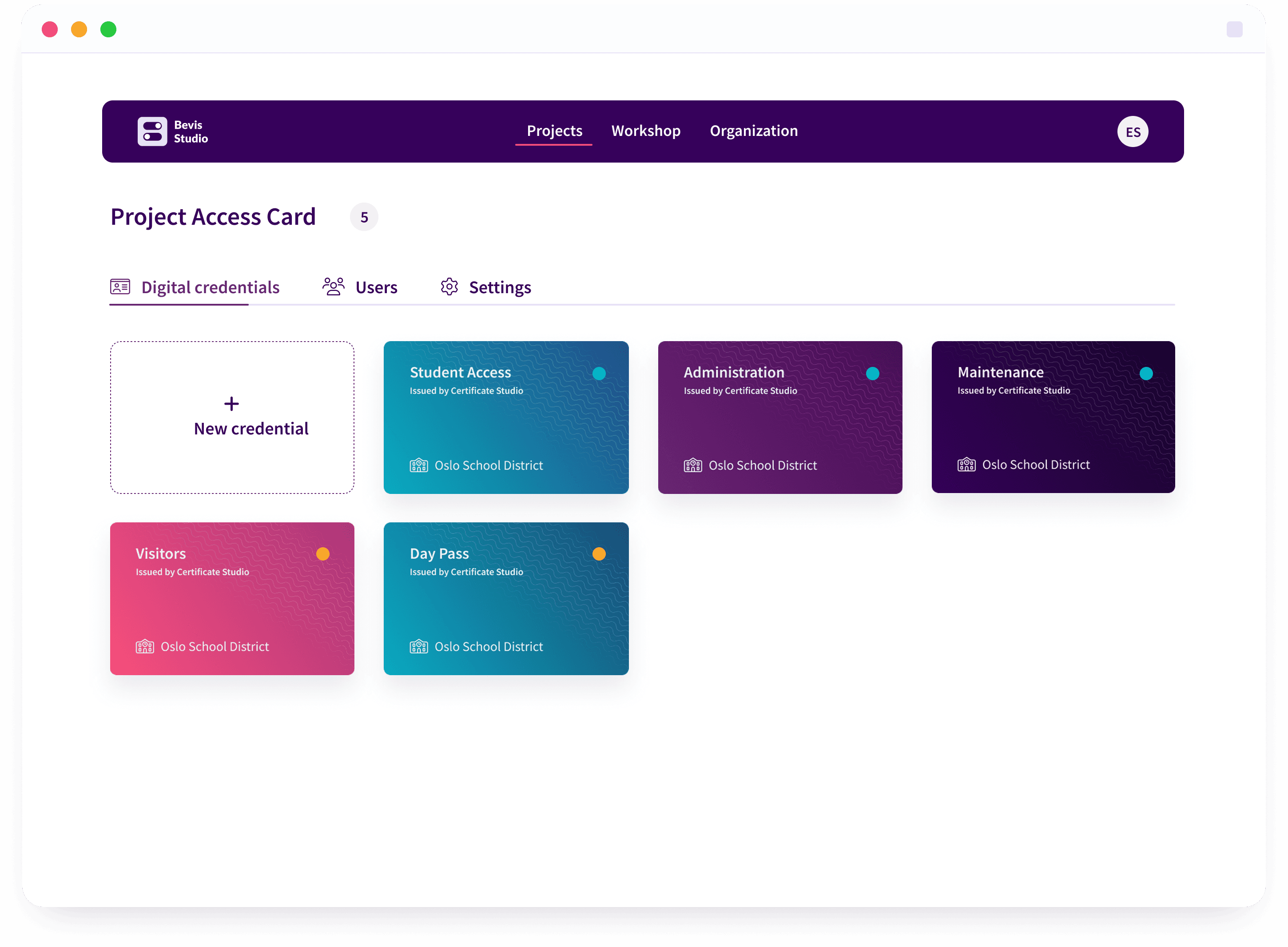
After you have created a user and invited other relevant users to the platform, you can start designing your first digital credential.
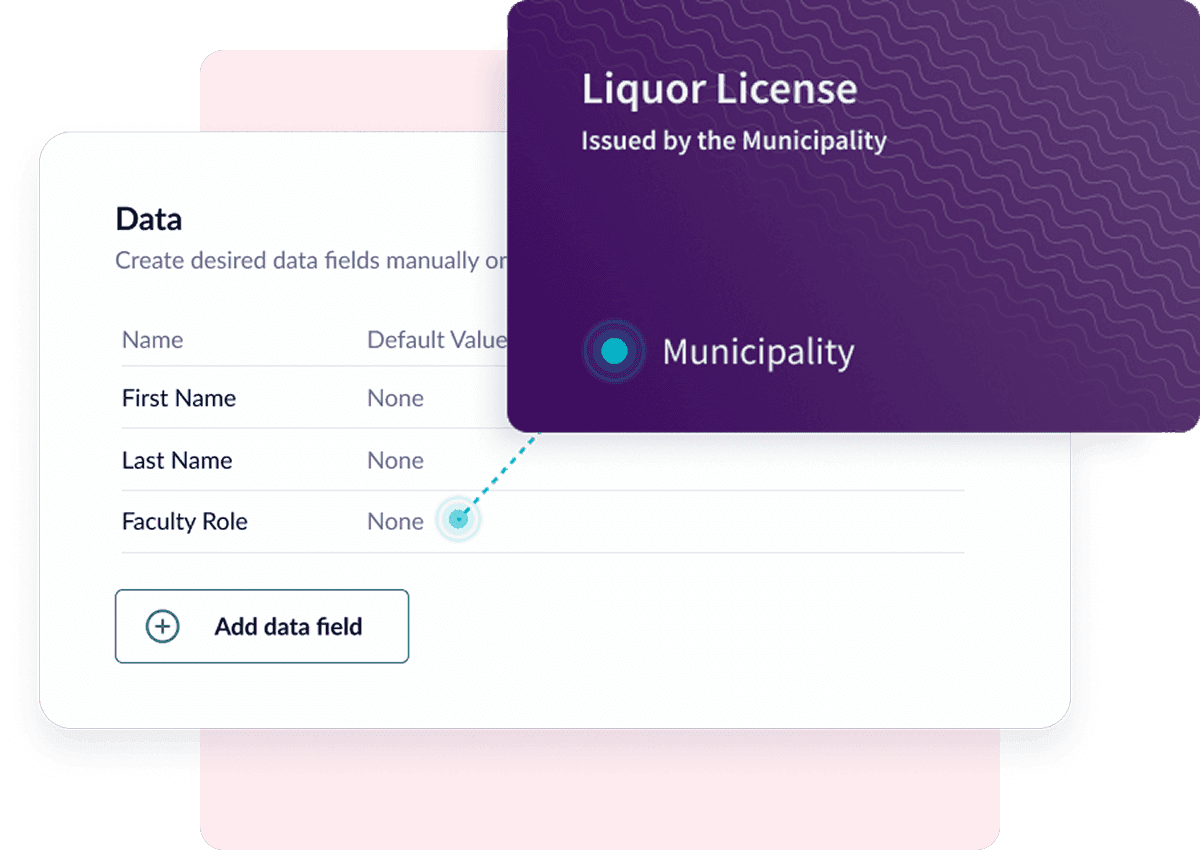
Choose content and data sources
Examples of this would be an internal database with a list of employees, fixed content such as access levels, or more dynamic content that can be fetched from APIs.
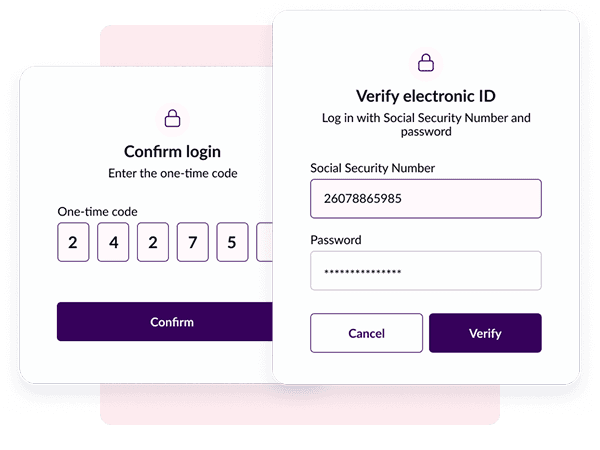
Choose format and signature
It is critical that digital credentials are trustworthy—that they are signed with the right type of certificate.
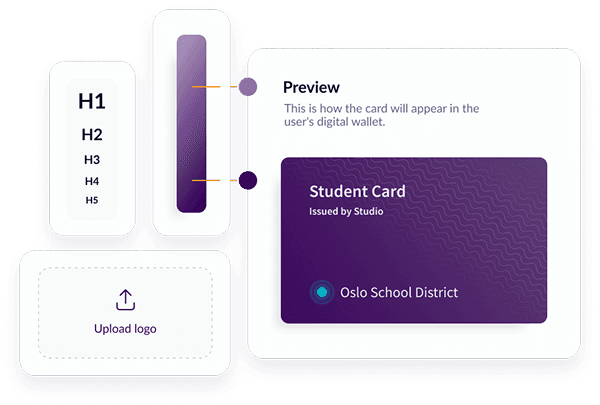
Design and brand the credentials
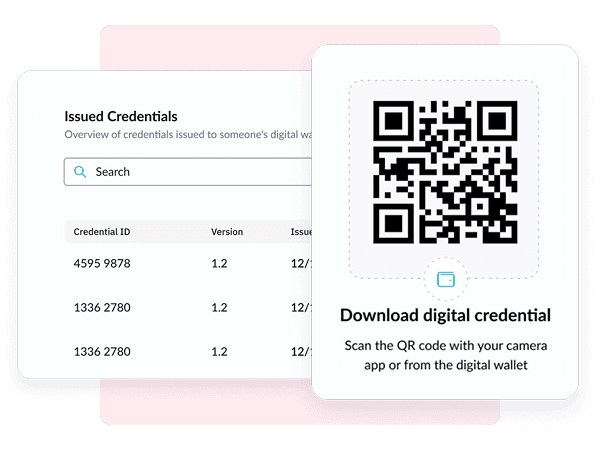
You can also design the sharing pages where users go to download a credential. The sharing pages are tailored to fit your profile whether they are integrated with your systems or used through our portal.
Publishing and sharing
The credential can be shared with wallets that follow the EU framework for digital wallets, EUDI Wallet: OpenID4VCI and OpenID4VP with the HAIP profile, in the SD-JWT VC and mdoc formats.
Advanced functionality wrapped in usability
After you have created a user and invited other relevant users to the platform, you can start designing your first digital credential.
Access control
Projects in Credential Studio can easily be shared with multiple users and organizations while you can control access levels and users individually.
Version control
All digital credentials and publications are version-controlled to make it easier to know what has been published and to troubleshoot.
Support for multiple environments
Whether it's your own test environment, the national sandbox, or your own production environment, we support publishing to multiple environments simultaneously. Trust anchors come from the trust lists, as the EU framework requires.
Framework
- EUDI Wallet ARF
- eIDAS 2.0 – Regulation (EU) 2024/1183
Protocols
- OpenID4VCI
- OpenID4VP
- HAIP (High Assurance Interoperability Profile)
Credential formats
- SD-JWT VC
- mdoc (ISO/IEC 18013-5)
Trust and security
- Trust anchors from the EU trust lists (ETSI TS 119 612)
- Trust anchors from lists of trusted entities, LoTE (ETSI TS 119 602)
- X.509 certificate chains (RFC 5280)
- Certificates from the national sandbox
Wallets
- Digdir’s demo wallet
Credential features
- Selective disclosure
- Validity period
Issuance flows
- Authorization Code Flow
- Pre-Authorized Code Flow
- Same-Device Credential Offer
- Cross-Device Credential Offer
(Do you find the technical side interesting? We want more people on the team! Read the job posting here!)