Bevis Studio – Test tool
Test digital credentials in 1, 2, 3!
Digital credentials and digital wallets will soon be part of everyone's everyday life. Get a taste of what that will be like by fetching a test credential into your own digital wallet, before verifying it as a relying party. The whole thing takes under 5 minutes, and requires that you either have or download a digital wallet along the way.
Part 1: Get a digital test credential
Step 1 of 4: Choose a test credential
Choose a test credential
Choose which credential you want in your wallet. The details in the credential will be filled with example data.
Choose a test credential to continue.
Download a digital wallet
To get the credential you need a digital wallet to store it in. We recommend downloading it on your phone. If you already have a wallet, you can go straight on to the next step.
- Digdir’s demo walletDigdir’s own demo wallet, distributed through TestFlight.How to get started (TestFlight)
On Android? Digdir’s demo wallet is only available for iPhone today. Pick “Demo wallet in the browser” above, and you can run the test without downloading anything.
The test flow follows OpenID4VCI and OpenID4VP with the HAIP profile – the protocols the EU framework for digital wallets (EUDI Wallet) is built on. It therefore works with wallets that follow the same standards, but we only list the one we have tried ourselves.
Get the test credential into your digital wallet
Scan the QR code with your phone camera, or use “Open link” to open the credential in the wallet on the device you are on.
Open the link to open the credential in the wallet on this device.
From here on only you can see what happens – the test credential goes straight into your own wallet, and we cannot see whether it arrived. Confirm yourself once you have it.
Congratulations, you now have a digital credential in your wallet!
Now you have at least 1 digital credential – and in a few years many of your most important documents will live in your digital wallet. That goes for diplomas, prescriptions, driving licences, European health insurance cards, financing certificates, work permits and most other documents we share on paper or as PDFs today.
In many situations a relying party will want to verify your credential. Test verification to see how that works, or head on to Bevis Studio to create credentials of your own!
Part 2: Verify your digital test credential
Verifying means asking to see a credential and checking that it is genuine. Request the credential you just issued to yourself, and see what happens.
Choose a test credential to verify
You decide which test credential to ask for. Pick the same one you have in your wallet.
Choose a test credential to continue.
Share the test credential from the wallet
Scan the QR code with your phone, or open the request directly on this device, and approve the sharing in your wallet.
- Waiting for the wallet
- The wallet has opened the request
- The test credential has been shared and verified
Result
This is what the relying party gets to see after the check – no more than what you chose to share.
The natural next step:
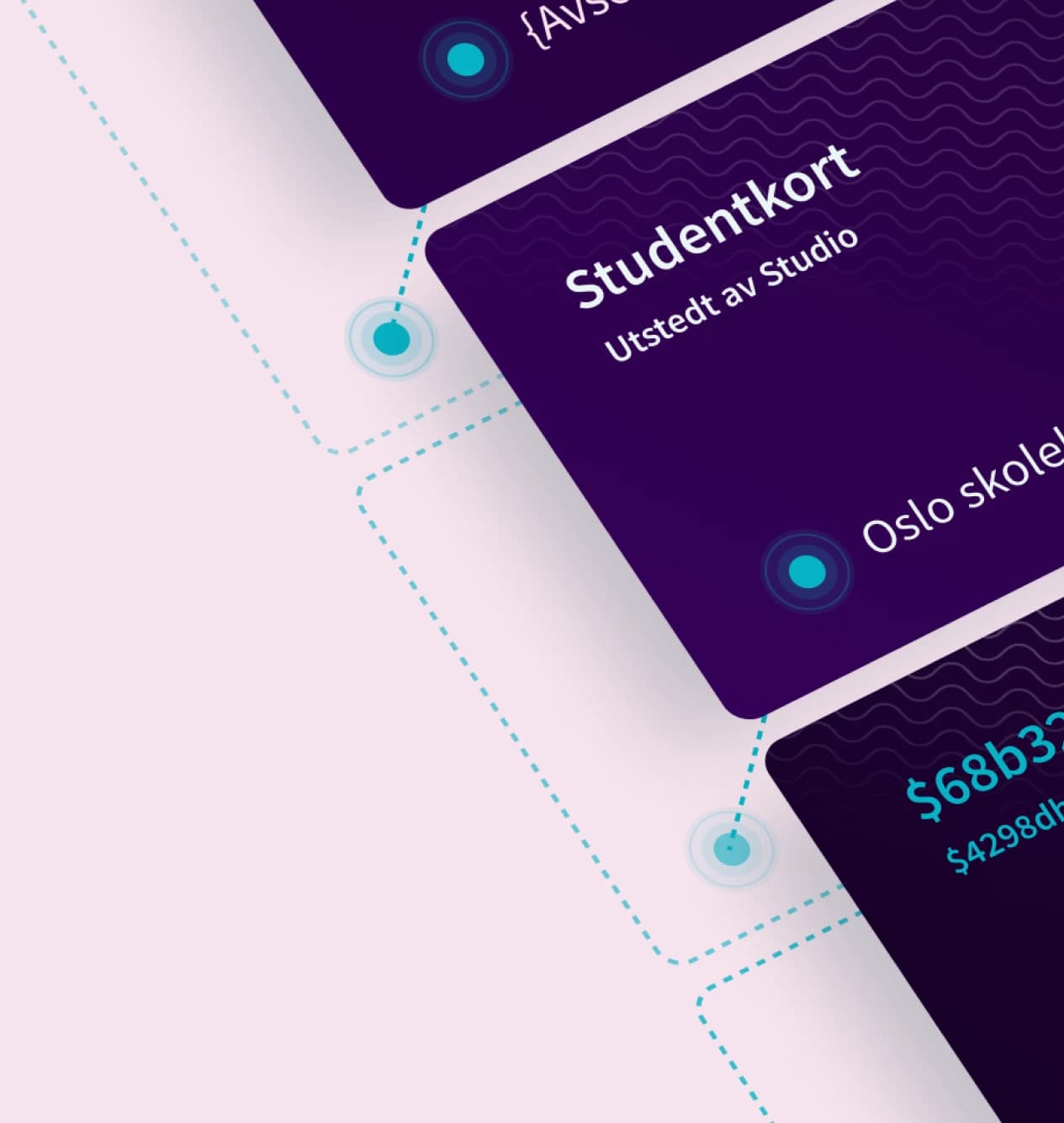
Test your own credentials
Get started with Bevis Studio and gain full control over digital credentials – completely free! With Bevis Studio you can create and publish credentials in your own test environment, the national sandbox or your own production environment. You can also issue, manage and verify credentials in one place.